
Bookings, forms and your client list in one free plugin, right on your own WordPress website.

Free forever
Unlimited contacts
For WordPress websites
Want to use Kwazi, but don't have a WordPress website? We can help with that!
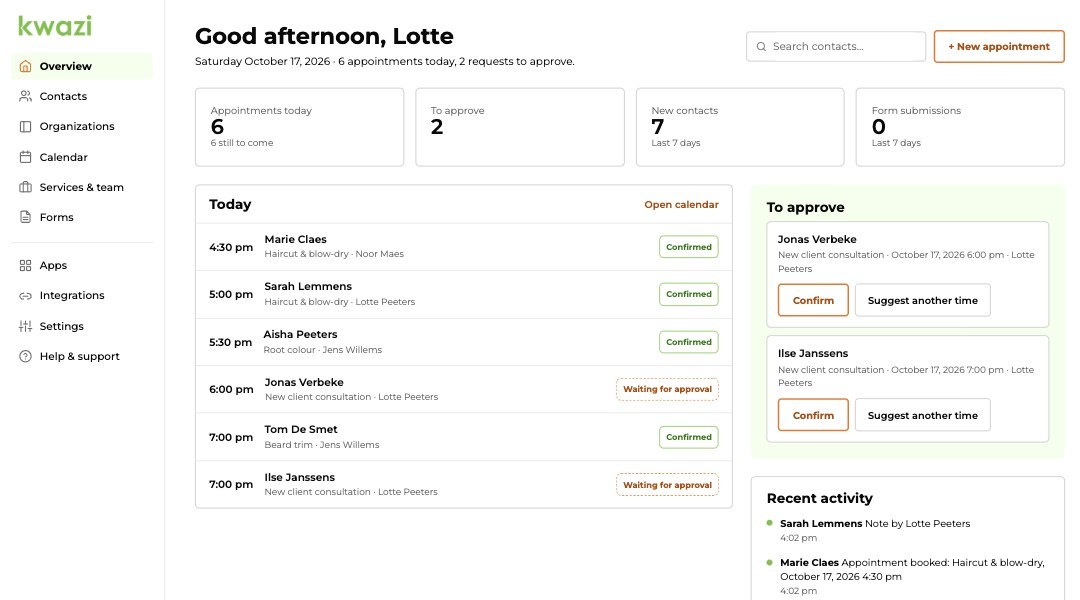
From the first message to the tenth appointment, everything about a client in one place.

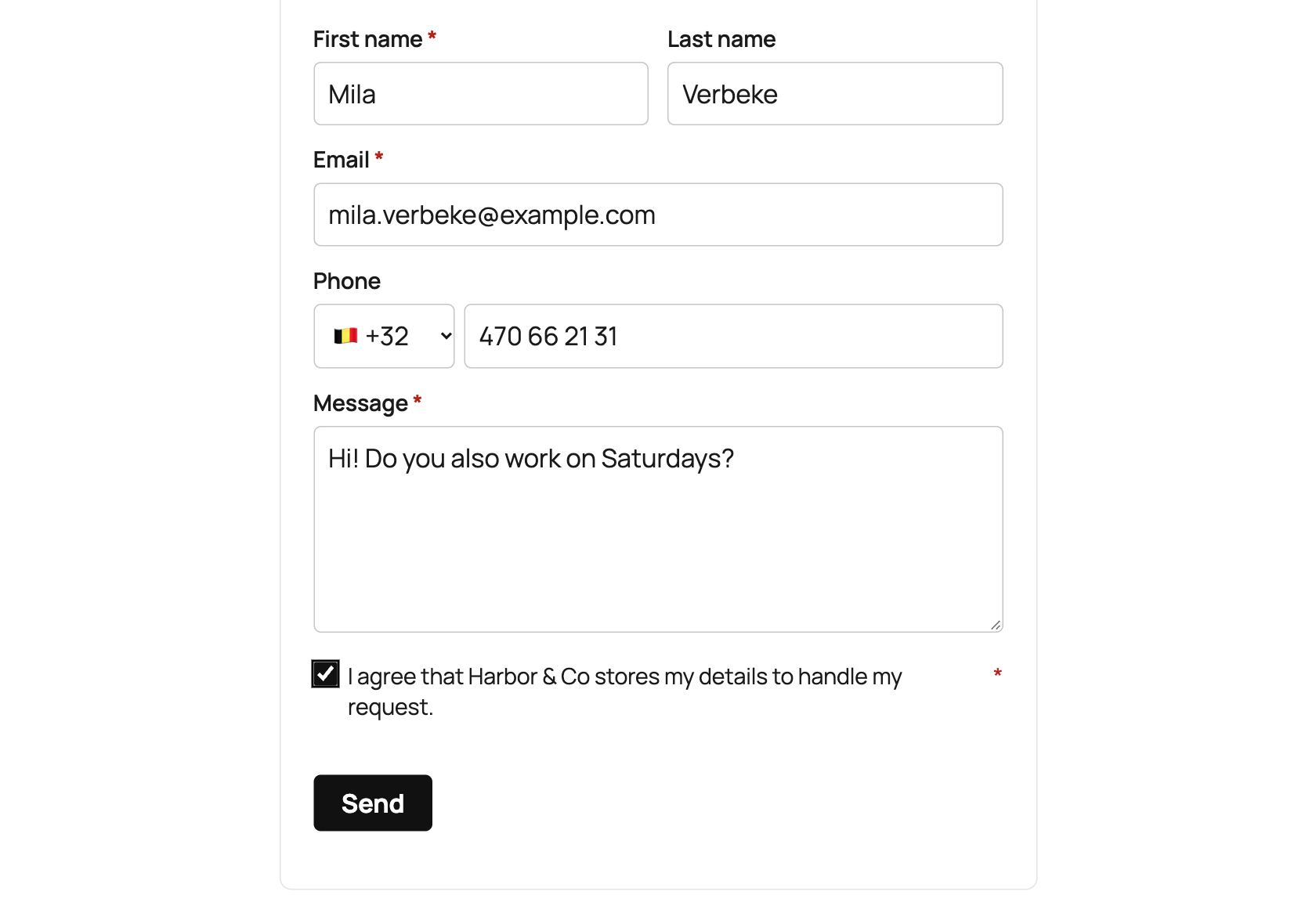
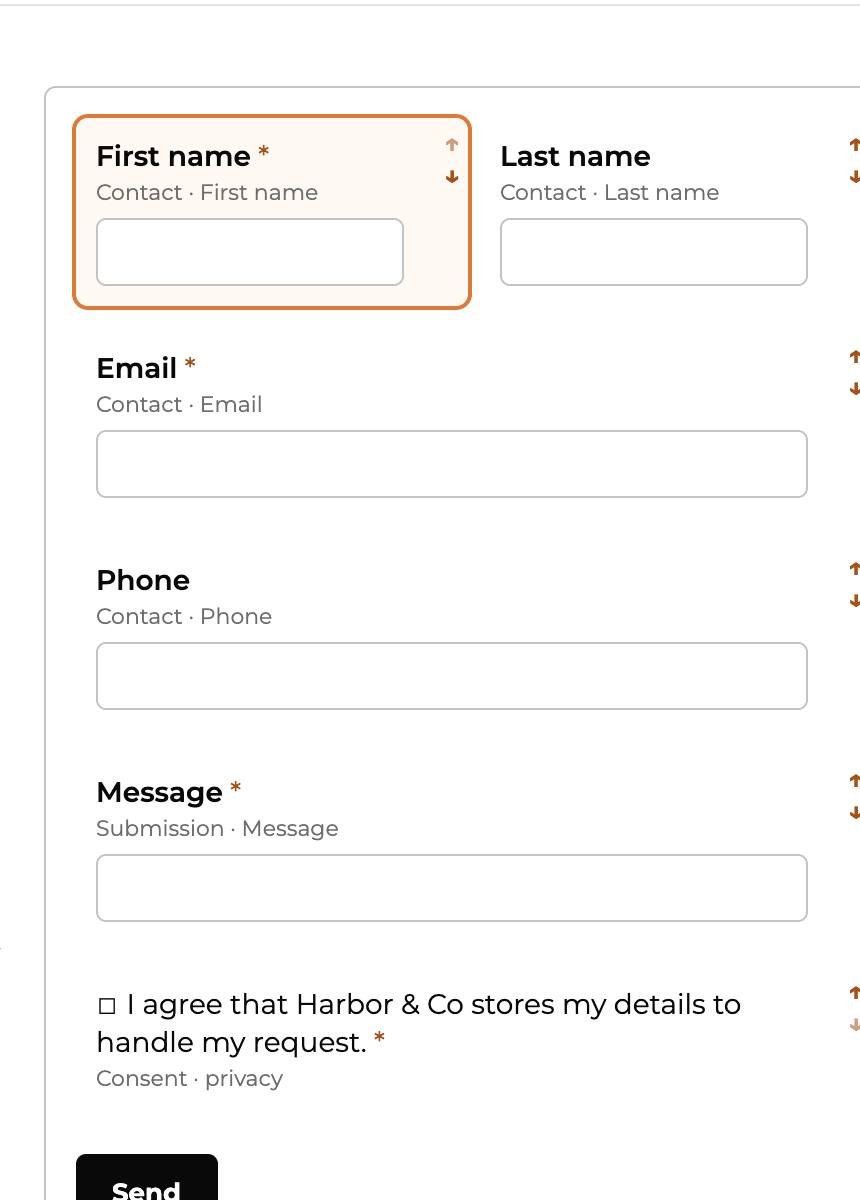
Through a form on your website. Every answer lands in your client list as a contact.

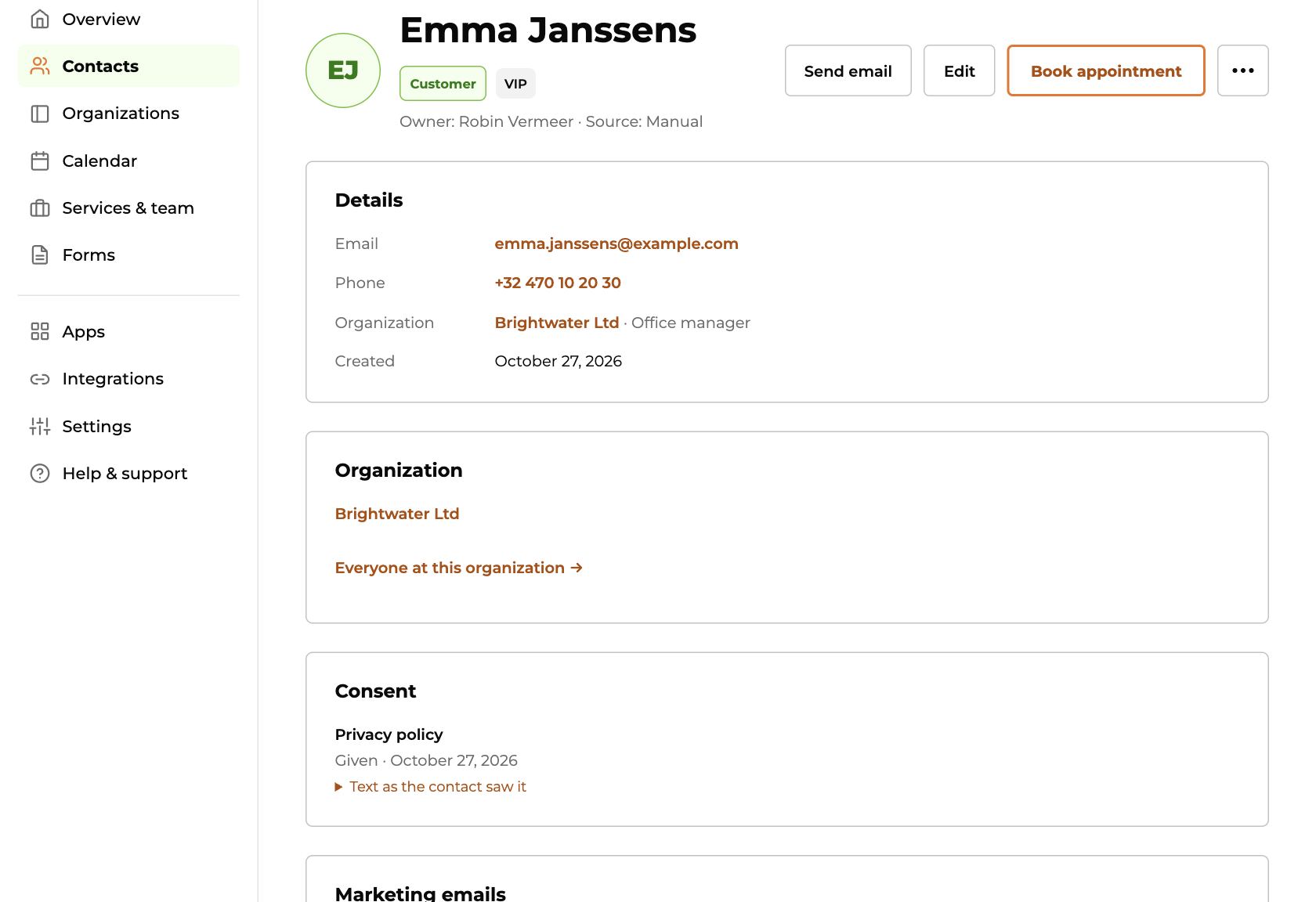
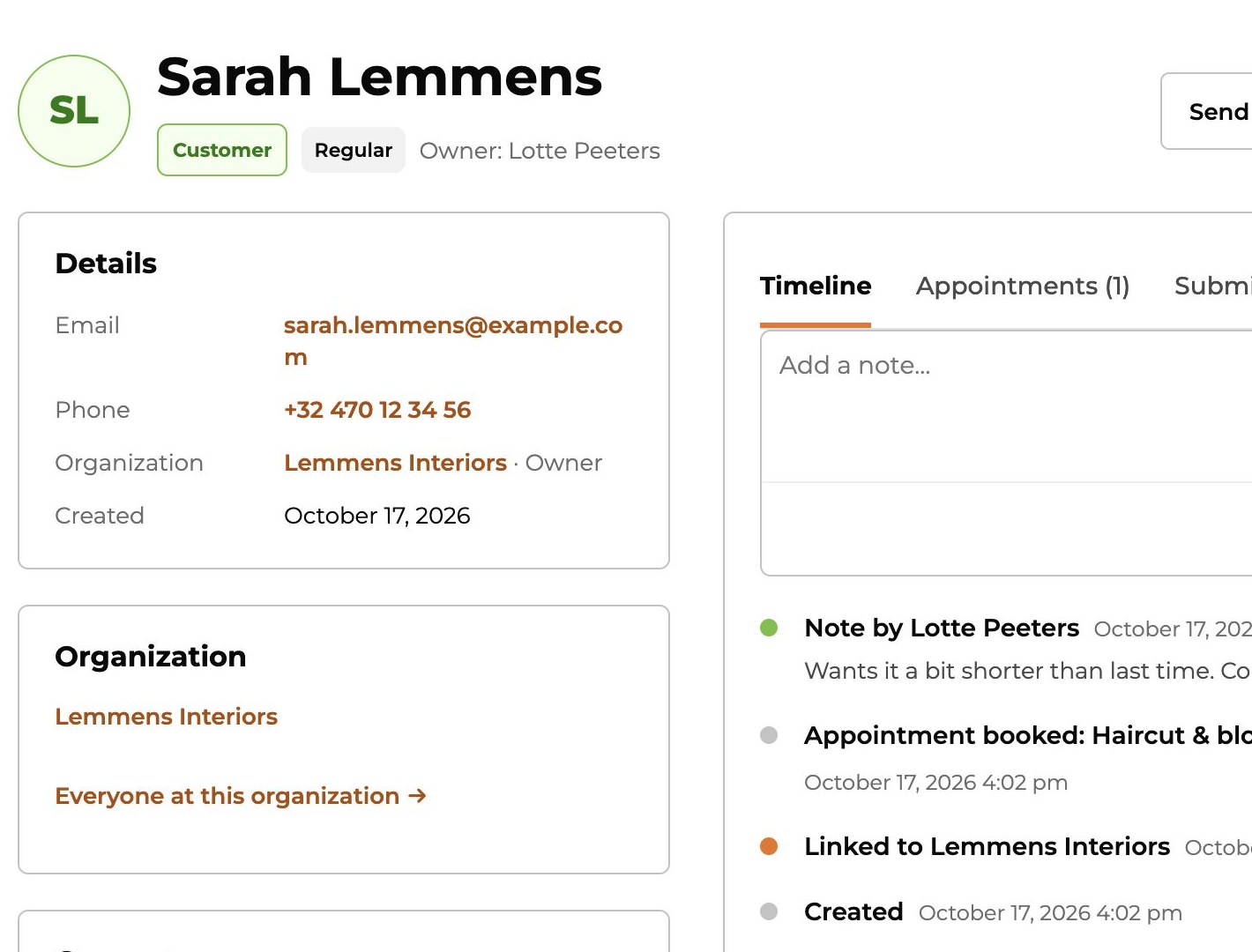
See what each client asked, booked and agreed to. Your whole team sees the same.

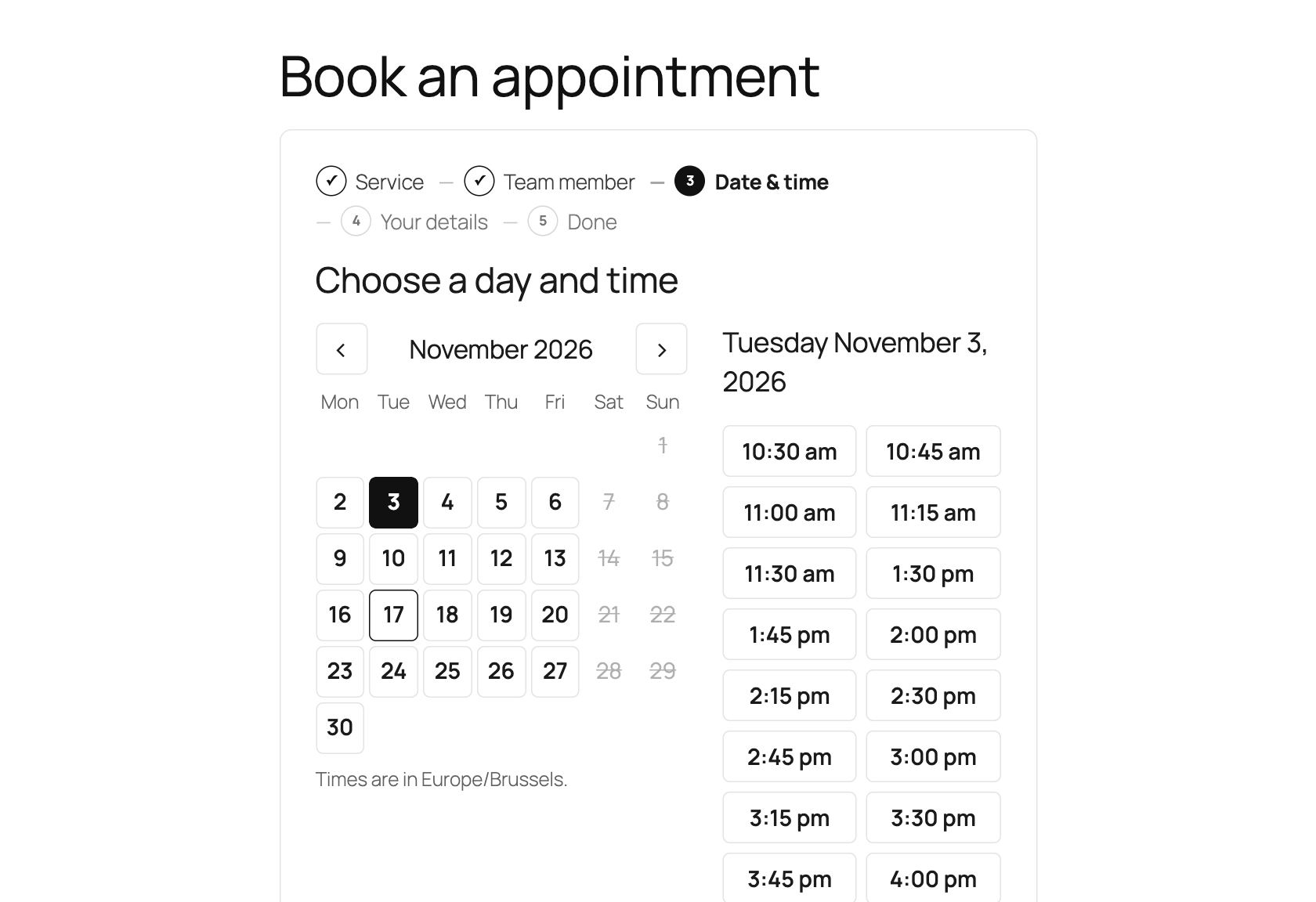
Online, with the right person, at a free moment. Reminder emails go out on their own.
Your client list, forms, online booking and your team, all in Kwazi Free, with every feature open and unlimited contacts.
Notes, bookings and messages, all together. One email address is one client, so every client appears once.
Ready-made forms for contact, price requests or call-backs. Every answer lands in your client list.
Everything is stored on your own website. Kwazi doesn't send your clients' details to us.

On your website. Not on our servers.

Newsletter the right way. Clients confirm by email and can unsubscribe with one click.

You see who did what. Every export and every change by a connected app is written down.
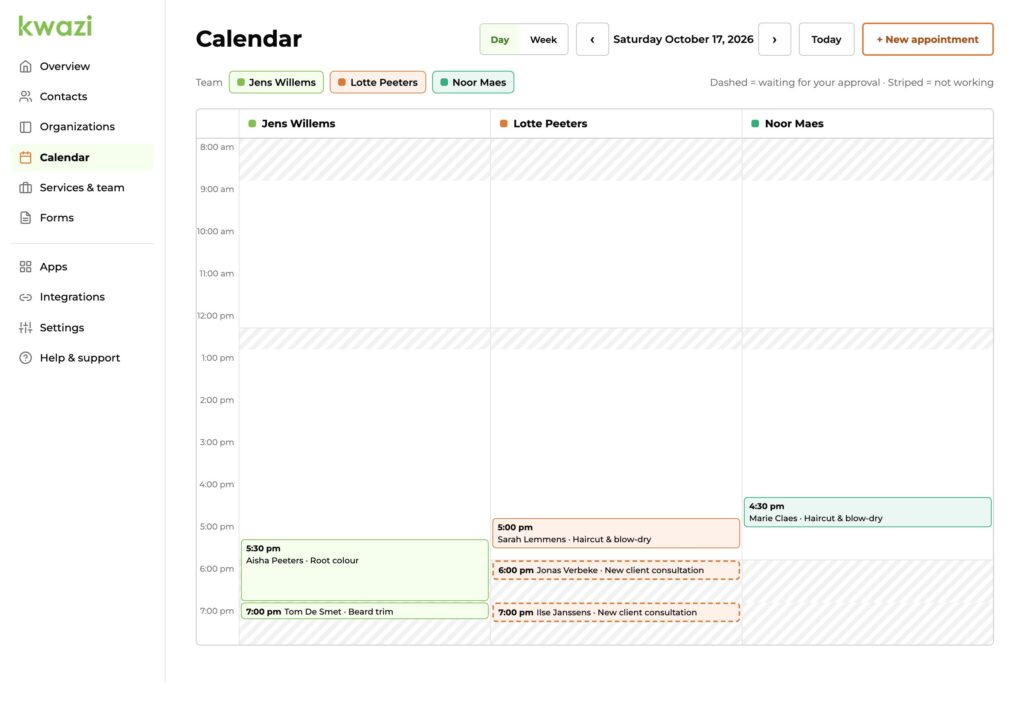
They pick a time that suits them, with the person they want. Every slot goes to one client only.
Booked straight away, or after your OK
You choose per service. A haircut can be booked straight away, a first consultation only after you say yes.
Reminder emails, sent for you
One reminder at a time you choose, 24 hours before by default. With a file clients can add to their own calendar.
Clients cancel or move it themselves
With the link in their email, up to the moment you choose. You see every change on the client page.
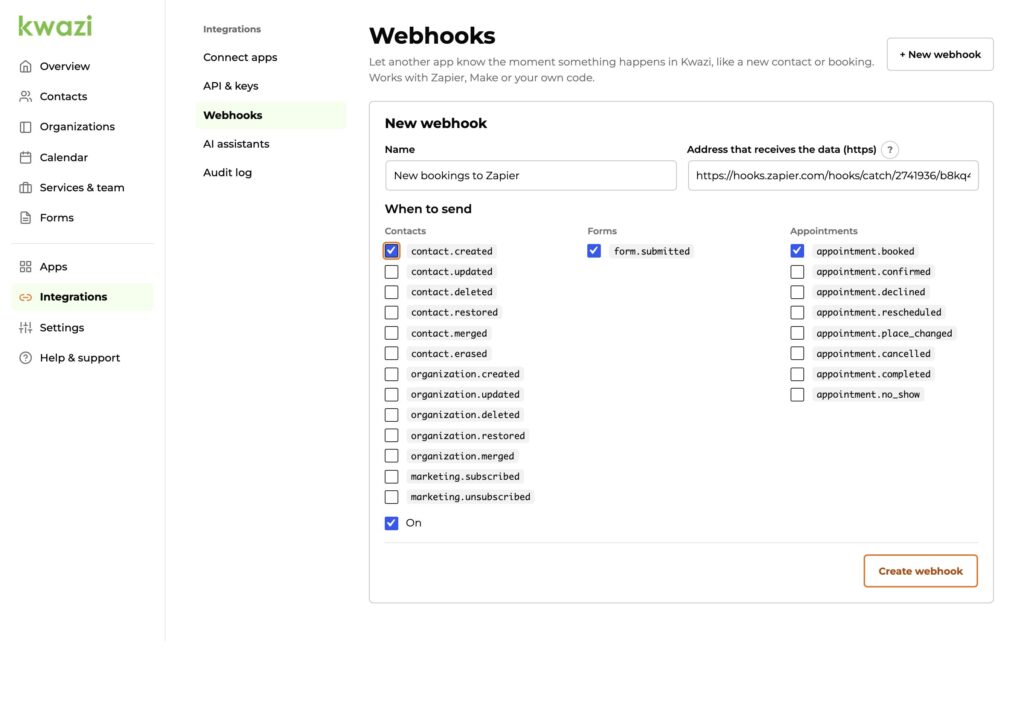
A new booking can go straight to your newsletter, your bookkeeping or your team chat. Also free.
Zapier and Make integration
Pick an app, pick what should happen, done. Kwazi has step-by-step help for this. You need your own Zapier or Make account.
Your AI assistant can help
Ask your AI assistant to find a client, add a note or book an appointment. It can only do what you are allowed to do.
Everything for your web builder
Everything you can do in Kwazi also works through the API. That stays free, also with the add-ons.
The full version, free for as long as you use it.
€0 today, and next year too
✓ Unlimited contacts
✓ Every client on one page
✓ Your own forms
✓ Online booking, 24/7
✓ Automatic reminder emails
✓ Team dashboard
✓ Zapier and Make integration
✓ AI assistant ready
Add-ons are optional. You pick what your business needs, and each feature lives in a single add-on.
Your money arrives the moment they book.
Calendar, video calls and texts in sync.
Newsletters and follow-ups sent for you.

Quotes accepted and signed online.

See what your website brings in.

Everything a salon, garage or estate agent needs, in one package.
Hosting, web design, integrations, Kwazi setup and ads with tracking from the team behind Kwazi.
Hosting for your new WordPress website, with an Elementor Pro licence included.
€ 180 per year, excl. VAT
DiscoverWe design and build your WordPress website, with Kwazi set up in it.
Quote after a free intro call
DiscoverWe help you connect Kwazi to the other tools you use.
Quote after a free intro call
DiscoverWe set up Kwazi the way you work, right after you install it.
Quote after a free intro call
DiscoverWe set up your Google Ads and the tracking on your website, so you see where every contact comes from.
Quote after a free intro call
DiscoverWe set up your ads on Facebook and Instagram and the tracking on your website, so you see where every contact comes from.
Quote after a free intro call
DiscoverWe set up your LinkedIn Ads and the tracking on your website, so you see where every contact comes from.
Quote after a free intro call
DiscoverAbout the price, your clients’ details, your website and add-ons.
Is Kwazi Free really free?
Yes. Every feature in Kwazi Free is open, for as long as you use it. Add-ons are optional extras you can add later.
Where are my clients' details stored?
On your own website. Kwazi doesn't send them to us.
Do I need a web builder to set it up?
No. You install Kwazi like any other WordPress plugin. A short setup guide asks for your business details, opening hours and first form. You can skip any step.
Does it work with my website?
If your website runs on WordPress 6.9 or newer, yes. You add the booking calendar or a form to any page with one click.
Can I add add-ons later?
Yes. Add-ons work on top of Kwazi Free. Your clients, forms and bookings all stay where they are.
Download it, follow the short setup guide and your booking page is ready.